Guide · Interactive Brokers
How to create an Interactive Brokers Flex Query, step by step

Tortuga Trades · · 5 min
A Flex Query is how Interactive Brokers lets you pull your trades, dividends and account balance without exporting CSVs by hand every week or sharing your username and password with anyone: it generates a read-only token and a query ID, and with those two pieces of data any tool —Tortuga included— can sync your account. This guide covers the three steps: create the right query in IBKR, activate the token, and connect it.
What an Activity Flex Query is (and why not just any report will do)
IBKR offers several types of Flex Query. For a complete trading journal you need the Activity Flex Query, not the Trade Confirmation Flex Query: the latter only brings executions, with no account balance or cash movements, so it isn't enough to calculate P&L, dividends or the value of your portfolio day by day. When creating the query, enable these sections:
- Trades (the trades themselves)
- Cash Transactions (dividends, interest, fees)
- Open Positions (your current portfolio)
- Net Asset Value (NAV) in Base (the account value day by day)
- Cash Report and Mark-to-Market (to reconcile the balance with the broker)
Step 1 — Create the query in Client Portal
- 1
Go to Flex Queries
In Client Portal, go to Performance & Reports → Flex Queries (or Menu → Reporting → Flex Queries if you use the side menu). - 2
Create a new Activity Flex Query
Click the + icon next to «Activity Flex Query» and give it a name — for example «Tortuga». - 3
Tick the sections listed above
Under Sections, select Trades, Cash Transactions, Open Positions, NAV in Base, Cash Report and Mark-to-Market. When you open each one, tick all the available fields — the more fields you include, the less risk that something is missing later on. - 4
Choose a wide period and XML format
In the delivery settings, use a long period (Year to Date or a custom range from when you started trading) if you want to bring in history, and XML format. Click Continue and then Create.
Step 2 — Activate the Flex Web Service token
- 1
Find the Flex Web Service settings
On the same Flex Queries screen there is a Flex Web Service Configuration section. Tick the status box and click Save. - 2
Copy the token
IBKR generates a Current Token: it's the single-purpose password that goes to Tortuga, never your IBKR username or password. You can choose how long it lasts, between 6 hours and 1 year — choose the long duration so you don't have to regenerate it every week. - 3
Also note the Query ID
It appears next to the name of the query you created in the Flex Queries list. You need both values: the query ID and the token.
If you manage several linked accounts under a master account, the token is only visible from the master — but the query can bring in data from the accounts you include when creating it.
Step 3 — Connect it to Tortuga
- 1
Open Import Trades
In your Tortuga account, go to Import Trades and choose Interactive Brokers → Flex Query. - 2
Paste the query ID and the Flex token
The same two values from the previous step. - 3
Sync
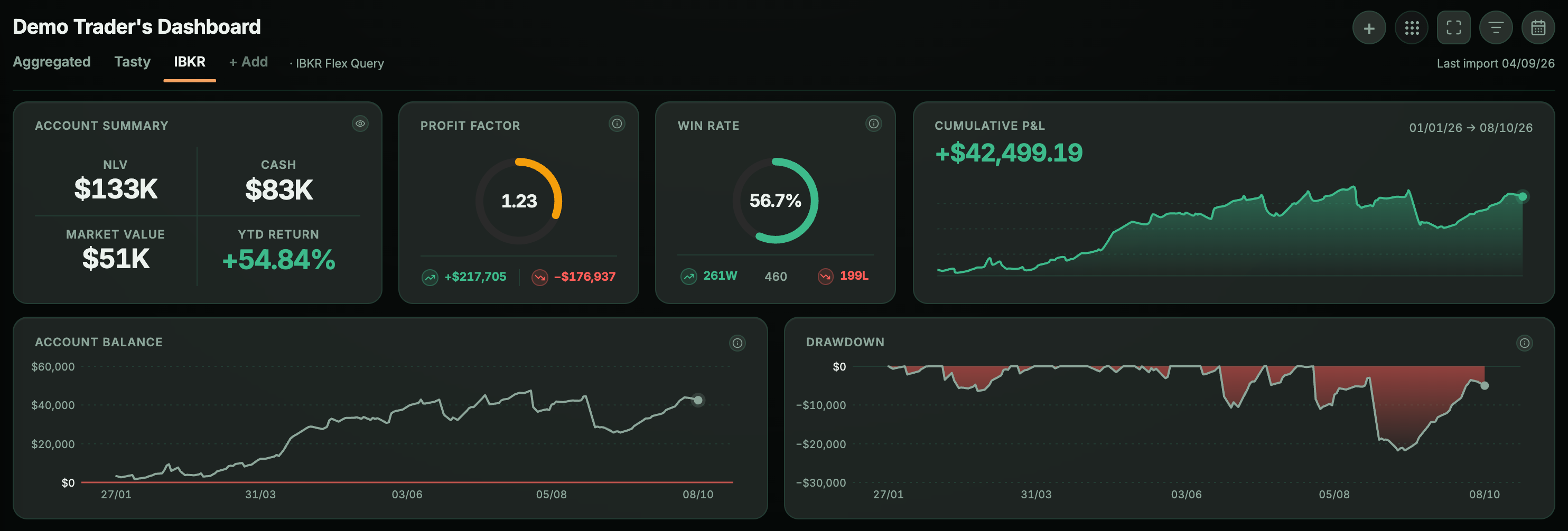
Tortuga automatically brings in your trades, dividends and NAV, and uses them to feed the trade journal, the P&L calendar and dividend tracking — you can repeat the sync whenever you like, with no need to create the query again.
If the sync fails
- Invalid or expired token: go back to Flex Queries in Client Portal and generate a new one.
- Misconfigured query: check that the sections from Step 1 are still ticked — sometimes a later edit unticks one by accident.
- Too many syncs in a row: IBKR limits how often you can call the Flex Web Service; wait a few minutes and try again.
Keep reading
- How to track the wheel strategy: premiums, assignments and cost basisThe wheel takes five minutes to explain and three months to get out of hand. What to record on each turn to know whether you are really making money.
- Tracking your Interactive Brokers dividends: received and projectedYour broker statement tells you what you have been paid. It doesn’t tell you what you will be paid, or how much already comes in without selling anything once you add interest and premiums.